-
-
Tax Services
-
Audit & Assurance
-
Business Setup
-
Accounting & Payroll
-
Advisory
-
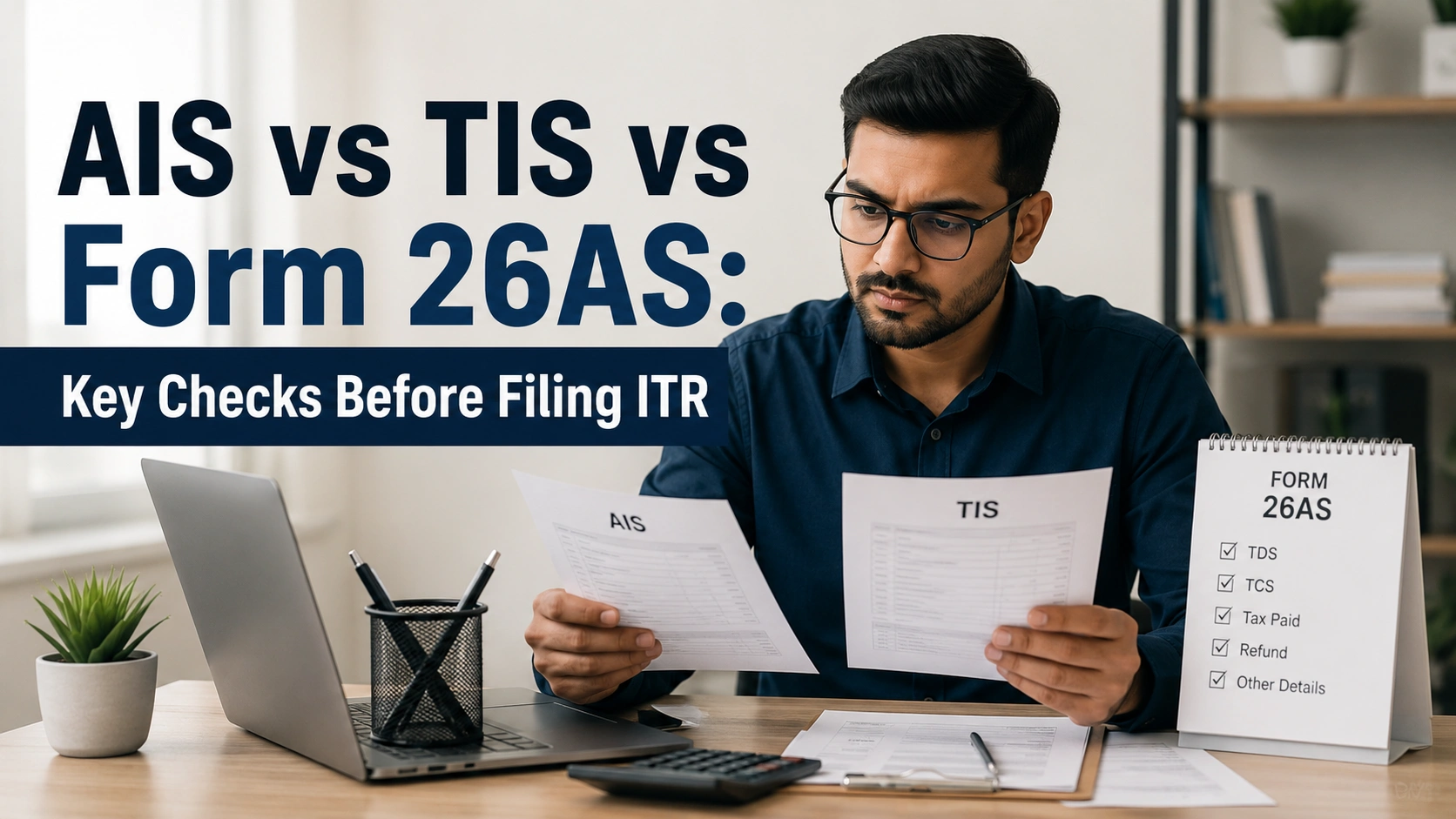
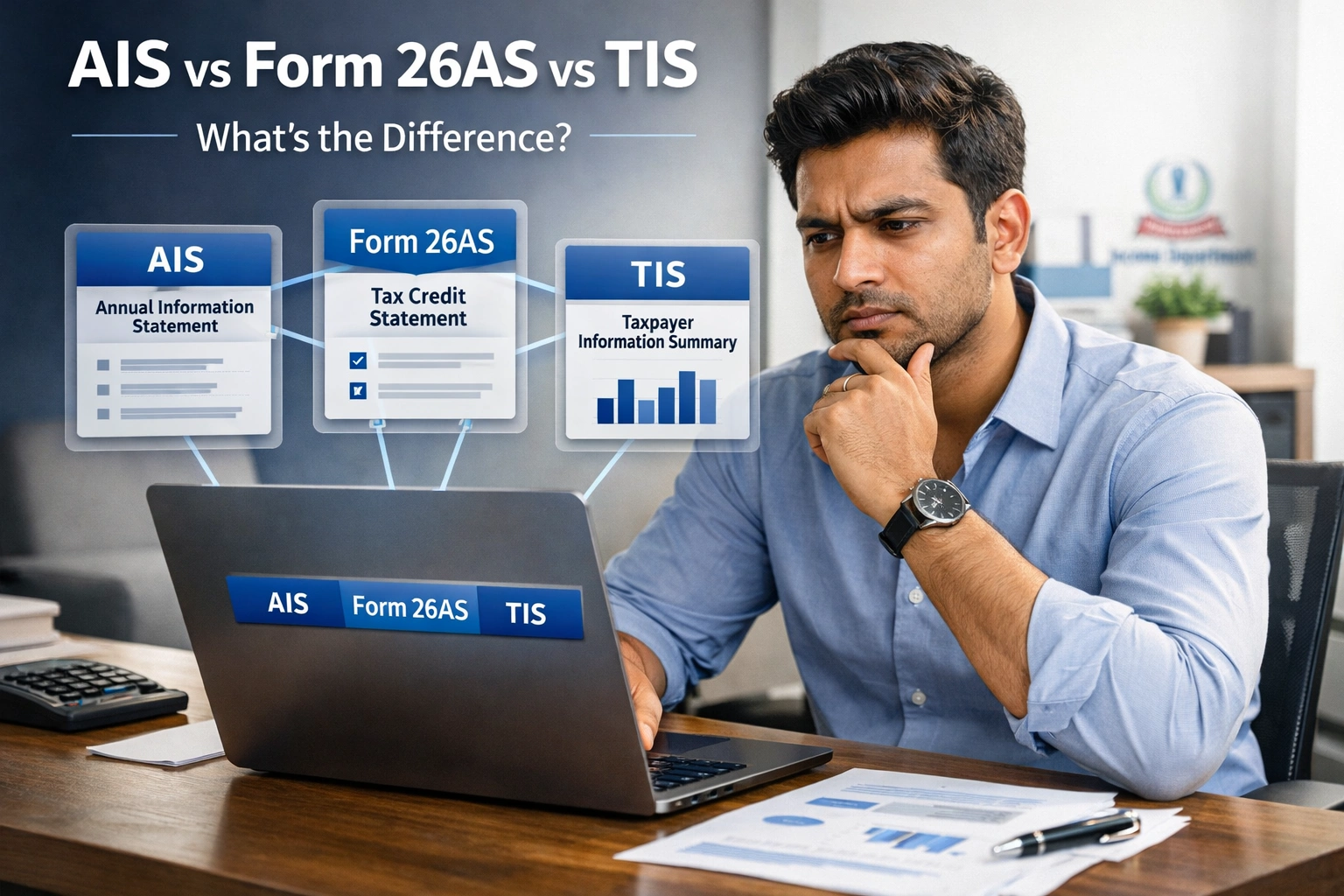
Every year, lakhs of Indian taxpayers receive income tax notices not because they cheated, but because the information in their ITR did not match what the Income Tax Department already knew. The Department gets your financial data from three key documents: Form 26AS, AIS (Annual Information Statement), and TIS (Taxpayer Information Summary). If you are filing your ITR for AY 2026-27 and you are confused about what each of these documents is, how they are different, and which one matters for what this guide explains everything clearly and practically.

AIS stands for Annual Information Statement. It is issued by the Income Tax Department under Section 285BB of the Income Tax Act, 1961. Introduced in November 2021, AIS was designed as a major upgrade over the old Form 26AS. It records every significant financial transaction linked to your PAN for a given financial year reported by banks, employers, brokers, mutual funds, registrars, and other entities. Before AIS existed, Form 26AS was the only reference point. But Form 26AS only showed tax credits TDS, TCS, advance tax. It missed huge categories of income: savings account interest, mutual fund gains, dividend income, property transactions, foreign remittances. AIS was created to fix that gap.
AIS covers 60 types of financial information, including:
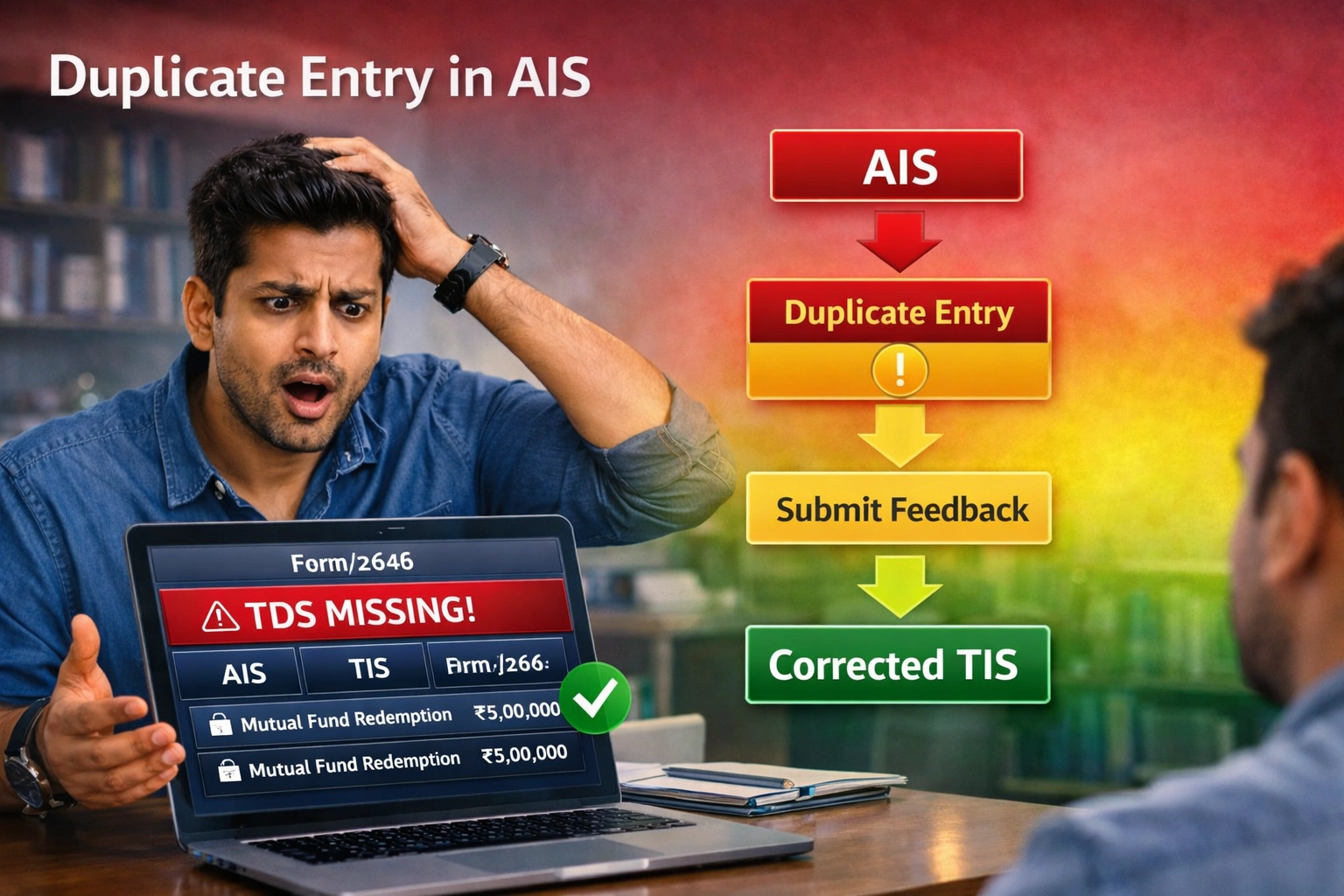
One important thing to watch out for: Duplicate entries are very common in AIS. For example, when you redeem a mutual fund, both the AMC (like SBI Mutual Fund) and the registrar (CAMS or KFintech) independently report the same transaction to the Income Tax Department. So AIS often shows the same redemption twice. You need to submit feedback saying “information is duplicate” to clean this up before filing your ITR.
Form 26AS is the Annual Tax Credit Statement issued against your PAN. It is the official, legally operative document that shows all taxes already paid or deducted on your behalf during the financial year. Since AY 2023-24, Form 26AS was restructured. It no longer shows income details those have fully moved to AIS. Form 26AS now focuses exclusively on tax credits.
The most important thing to understand about Form 26AS: it is the only document the Income Tax Department uses to validate TDS credit claims in your ITR. If TDS appears in AIS but not in Form 26AS, you cannot claim that credit.
Under the Income Tax Act 2025, Form 26AS is being renamed Form 168. This change applies from Tax Year 2026-27 onwards. For your current AY 2026-27 ITR (covering FY 2025-26 income, due July 31, 2026), Form 26AS still applies. You will encounter Form 168 only when filing for AY 2027-28.
TIS stands for Taxpayer Information Summary. It is not a separate standalone document it is the aggregated, deduplicated, category-wise summary of your AIS. While AIS shows every individual transaction (e.g., 15 separate mutual fund redemptions across the year), TIS groups them into clean income categories and shows one net total for each (e.g., one net capital gains figure for all 15 redemptions combined). This makes TIS much easier to work with during ITR filing.
One important caution: TIS pre-fill is not always perfectly accurate. It can contain uncorrected duplicates, provisional data, or entries that are still awaiting AIS feedback resolution. Always cross-check TIS numbers against your own bank statements, broker statements, and MF consolidated account statement (CAS) before hitting Submit on your ITR.
| Parameter | Form 26AS | AIS | TIS |
|---|---|---|---|
| Full Form | Annual Tax Credit Statement | Annual Information Statement | Taxpayer Information Summary |
| Primary Purpose | Tax Credits (TDS/TCS/Challan) | Full Financial Picture | Aggregated Pre-fill Source |
| TDS and TCS | Complete and Official | Mirrors Form 26AS | Category Total |
| Salary and Interest | Only if TDS was Deducted | All Receipts Including TDS-Free | Net Summary |
| Mutual Fund Transactions | Removed Since AY 2023-24 | Full Detail | Net Capital Gains |
| Property Transactions | SFT up to FY 2022-23 Only | All SFT from FY 2023-24 | Summary |
| GST Turnover | Not Shown | From GSTR-3B | Summary |
| Foreign Remittances | Not Shown | Shown | Summary |
| Used for TDS Claims | Yes — Official Basis | No | No |
| Feeds ITR Pre-fill | Partial (Tax Credits Only) | Via TIS | Directly |
| Future Name | Form 168 (From AY 2027-28) | Continues as AIS | Continues as TIS |
AIS vs TIS vs Form 26AS: Know the differences before filing your Income Tax Return.
Understanding AIS vs TIS vs Form 26AS helps ensure accurate ITR filing.
Compare AIS vs TIS vs Form 26AS to avoid income mismatches and tax notices.
Every taxpayer should review AIS vs TIS vs Form 26AS before submitting an ITR.
AIS vs TIS vs Form 26AS—three tax documents that every taxpayer should understand.
Learn how AIS vs TIS vs Form 26AS work together for error-free tax filing.
A clear understanding of AIS vs TIS vs Form 26AS can help prevent filing mistakes.
Check AIS vs TIS vs Form 26AS to verify your income, TDS, and tax credits.
Don’t file your ITR until you’ve compared AIS vs TIS vs Form 26AS.
AIS vs TIS vs Form 26AS: Your complete guide to smarter and safer ITR filing.
This is the single most important rule in ITR filing
The Income Tax Department’s Centralised Processing Centre (CPC) validates all TDS credits against Form 26AS during ITR processing. AIS is used for income reconciliation only. It is not used for credit claims. If TDS is deducted by your employer or bank and it appears in AIS but is missing from Form 26AS, you cannot claim that credit. Filing your ITR with TDS credit that is not in Form 26AS will trigger an automatic demand notice and interest under Section 234B/234C.
You can access AIS on mobile too. Open incometax.gov.in in any mobile browser — the portal is fully mobile-responsive. You can review and submit AIS feedback directly from your phone.
AIS receives data from multiple independent sources. Errors, duplicates, and wrong PAN attributions happen regularly. Here is how to correct them:
After submitting, AIS updates and the corrected value flows into TIS within approximately 24 hours. TIS then updates the ITR pre-fill automatically.
Important: Do not file your ITR immediately after submitting AIS feedback. Wait at least 24 to 48 hours for TIS to update with the corrected values before you check your pre-fill and file your return.
Cause: Banks report gross FD and savings account interest. Many taxpayers forget about old, dormant accounts or joint accounts in other cities that are still linked to their PAN.
Fix: Download AIS and match every interest entry against your actual bank statements for all accounts — including dormant and joint accounts. Declare all interest income in your ITR. Missing even a small amount can trigger a mismatch notice.
Cause: Both the AMC (e.g., Mirae Asset) and the registrar (CAMS or KFintech) independently report the same redemption to the Income Tax Department. AIS often shows it twice.
Fix: Submit AIS feedback “Information is duplicate” on one of the duplicate entries. TIS will then show the correct net figure. Cross-check the final TIS capital gains number against your CAS (Consolidated Account Statement) from CAMS or KFintech.
Cause: The Sub-Registrar records the property transaction and reports it under the SFT framework. Sometimes it gets tagged to the wrong PAN.
Fix: Submit AIS feedback “Use of Other PAN” or “Information relates to other taxpayer.” If the sale was yours but the amount is wrong, use “Information is not fully correct” and provide the correct sale consideration.
Cause: Dividend income from shares or mutual fund dividend plans — even small amounts from forgotten holdings — is reported directly by companies and AMCs to AIS.
Fix: Cross-check the AIS dividend section against your broker statement and demat account. Declare every rupee of dividend income in your ITR under “Income from Other Sources.” There is no minimum exemption threshold for dividend income.
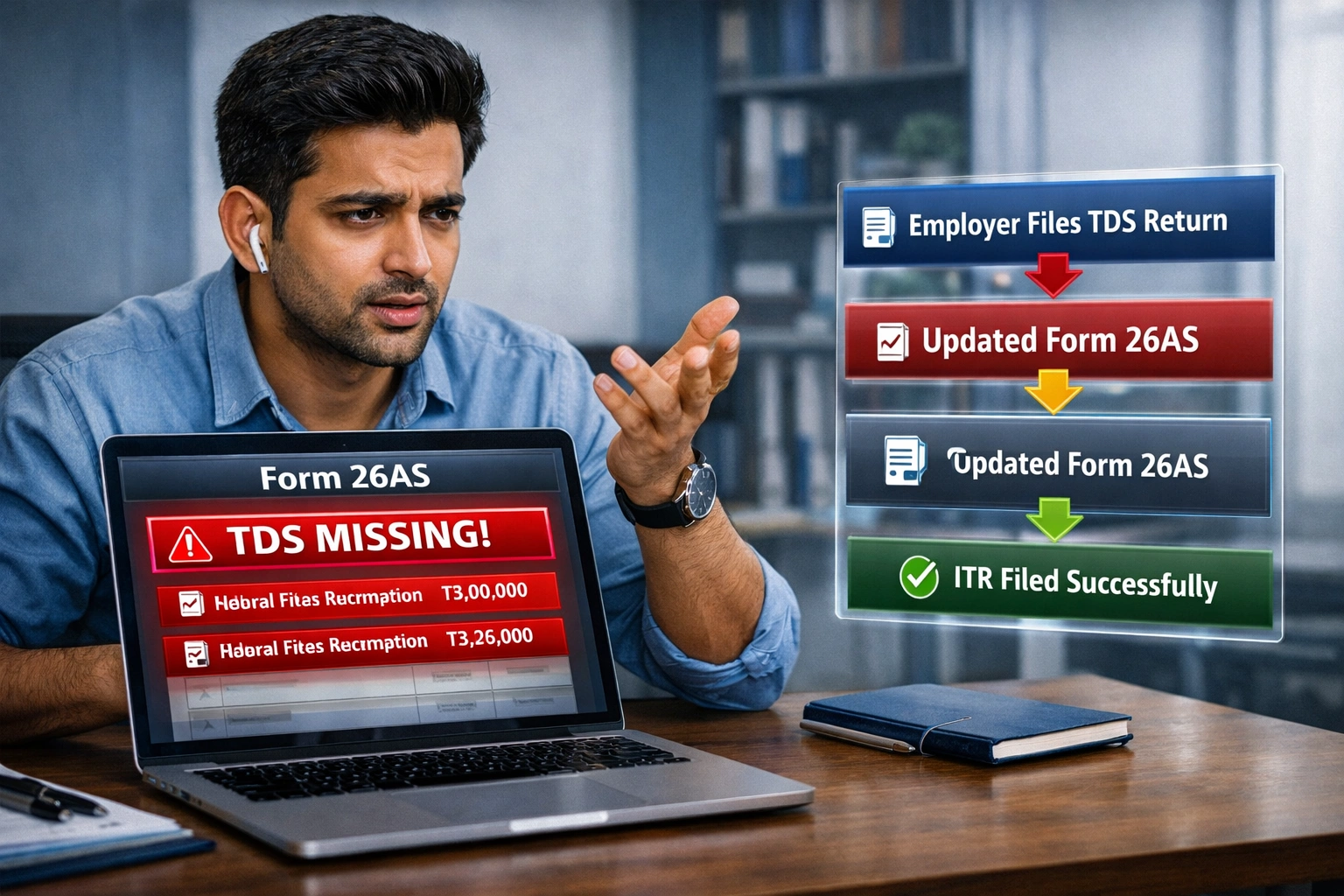
Cause: Your employer did not file their quarterly TDS return (Form 24Q) correctly or on time, so your TDS deduction does not appear in Form 26AS.
Fix: Contact HR or Payroll immediately. Ask them to file or correct Form 24Q on TRACES. Do not file your ITR until the TDS entry appears in Form 26AS. You cannot claim credit for TDS not in Form 26AS and filing with it will trigger a demand notice.
Cause: AIS pulls GST turnover directly from your GSTR-3B filings. Amendments, corrections, or multiple GSTIN registrations can cause a difference between AIS and your books.
Fix: Cross-reference AIS GST turnover with your GSTR-3B filings for all GSTINs. If there is a genuine difference (for example, exempt supplies not reflecting correctly), document the reason. Declare the correct turnover in your ITR and be prepared to explain the difference if asked.
Cause: LRS (Liberalised Remittance Scheme) outward remittances you made — for travel, overseas investments, or education — are reported to AIS by your bank. Some taxpayers confuse these with income.
Fix: Submit AIS feedback “Income is not taxable” or “Information is not correct” with an explanation that this is an outward remittance, not income received. Retain your bank’s remittance receipt as supporting proof.
Most mismatch notices happen because taxpayers skip steps or do them in the wrong order. Follow this sequence:
Step 1 — Form 26AS first. Verify every TDS and TCS entry against your Form 16 (salary), Form 16A (non-salary TDS), and other TDS certificates. If anything is missing or wrong, contact the deductor. This must be clean before you move forward.
Step 2 — AIS second. Go through every AIS category: TDS/TCS, salary, interest, dividends, mutual fund transactions, capital gains, property, GST turnover, foreign remittances, cash deposits. Submit feedback on every entry that is incorrect, duplicate, or not applicable to you.
Step 3 — Wait 24 to 48 hours. AIS feedback flows to TIS within approximately 24 hours. Do not rush — let the system update before you check TIS.
Step 4 — TIS third. Review TIS aggregated values. Confirm they match your own income calculations. If the ITR pre-fill still looks wrong, go back and fix AIS feedback — do not manually override pre-fill values without first correcting AIS.
Step 5 — Cross-check against your own records. Compare AIS and TIS figures against your bank statements, broker statements, MF consolidated account statement (CAS), salary slips, rent receipts, and Form 16/16A. Declare what is correct per your own verified records not blindly based on AIS.
Step 6 — File ITR. The pre-fill should now be accurate. If any minor discrepancy still exists, declare what is correct per your documents and retain all supporting records. Never suppress income to match AIS — if AIS is wrong, submit feedback and document the reason.
Under the Income Tax Act 2025 (Section 510, Rule 245 of the Income Tax Rules 2026), Form 26AS is being renamed Form 168. Here is what you need to know:
The e-filing portal will support both the old Act (1961) and the new Act (2025) in parallel during the transition period, so taxpayers are not required to do anything special — the portal handles it automatically based on the assessment year you select.
AIS stands for Annual Information Statement. It is issued by the Income Tax Department under Section 285BB of the Income Tax Act, 1961 and records all financial transactions linked to your PAN for a given financial year — including salary, interest, dividends, mutual fund transactions, property sales, foreign remittances, and GST turnover. It covers 60 types of financial information.
TIS stands for Taxpayer Information Summary. It is the aggregated, deduplicated summary of AIS that groups individual transactions into income categories with net totals. TIS directly pre-fills your Income Tax Return on the e-filing portal. It shows two values for each category the processed value (system-calculated) and the accepted value (confirmed after your AIS feedback).
Form 26AS is the Annual Tax Credit Statement issued against your PAN. It shows TDS deducted by employers and banks, TCS collected at source, advance tax payments, self-assessment tax payments, and refunds received. Since AY 2023-24, Form 26AS shows only tax credits income data has moved to AIS. Form 26AS is the official document for claiming TDS credit in your ITR. From AY 2027-28, it is renamed Form 168 under the Income Tax Act 2025.
Form 26AS shows only tax credits TDS, TCS, advance tax, and refunds. AIS is much broader it covers every financial transaction linked to your PAN reported by banks, employers, brokers, mutual funds, and registrars. The critical difference: for TDS credit claims in your ITR, only Form 26AS is the legally valid document. AIS is for income reconciliation only.
AIS shows every individual transaction at the transaction level. TIS is the summarized, deduplicated version that groups transactions into net income category totals. You submit corrections in AIS — TIS updates automatically within 24 hours. TIS drives the ITR pre-fill. AIS is where you review and correct the underlying data.
Form 26AS is the only valid basis for TDS credit claims. The CPC validates all TDS credits against Form 26AS during ITR processing, not AIS. If TDS appears in AIS but not Form 26AS, you cannot claim that credit. Contact the deductor to file a correction and wait for Form 26AS to update before filing your ITR.
ais vs tis vs form 26asais vs tis vs form 26asais vs tis vs form 26asais vs tis vs form 26asais vs tis vs form 26asais vs tis vs form 26asais vs tis vs form 26asais vs tis vs form 26asais vs tis vs form 26asais vs tis vs form 26asais vs tis vs form 26asais vs tis vs form 26asais vs tis vs form 26asais vs tis vs form 26asais vs tis vs form 26as